
One link for all the ways you get paid.
PayPicks puts the payment services you already use — Venmo, PayPal, Cash App, and more — on one page you can share with a QR code or link. Whoever's paying picks what works for them.


Free to download. No sign-up required.
How it works
From your payment handles to getting paid, in four steps.
-
Add your payment methods
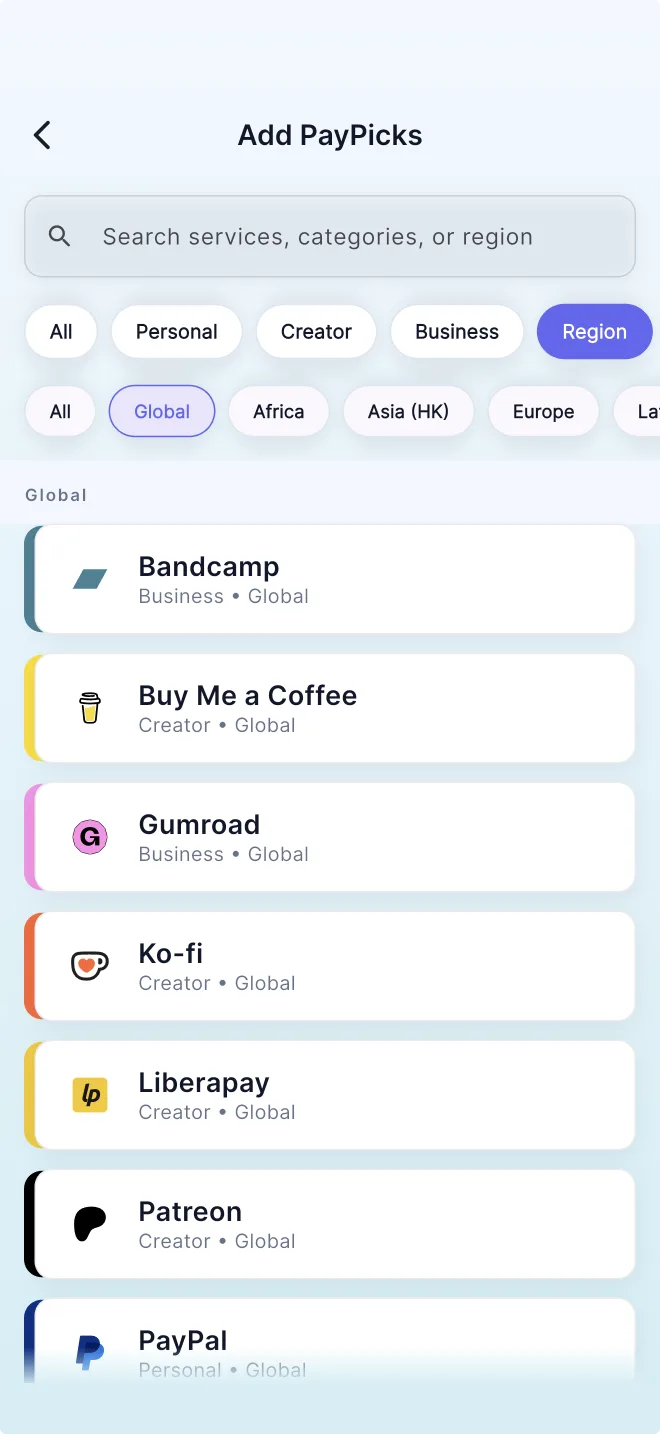
Pick from 24 supported services and add the payment handles you already have.
-
Get a QR code and link
PayPicks turns your picks into one QR code and one shareable link.
-
Share it anywhere
Show the QR code in person, or send your link by text, email, or social.
-
They pick how to pay
Whoever's paying opens one page and chooses the service that works for them.
Made for getting paid
Every way you get paid, in one place
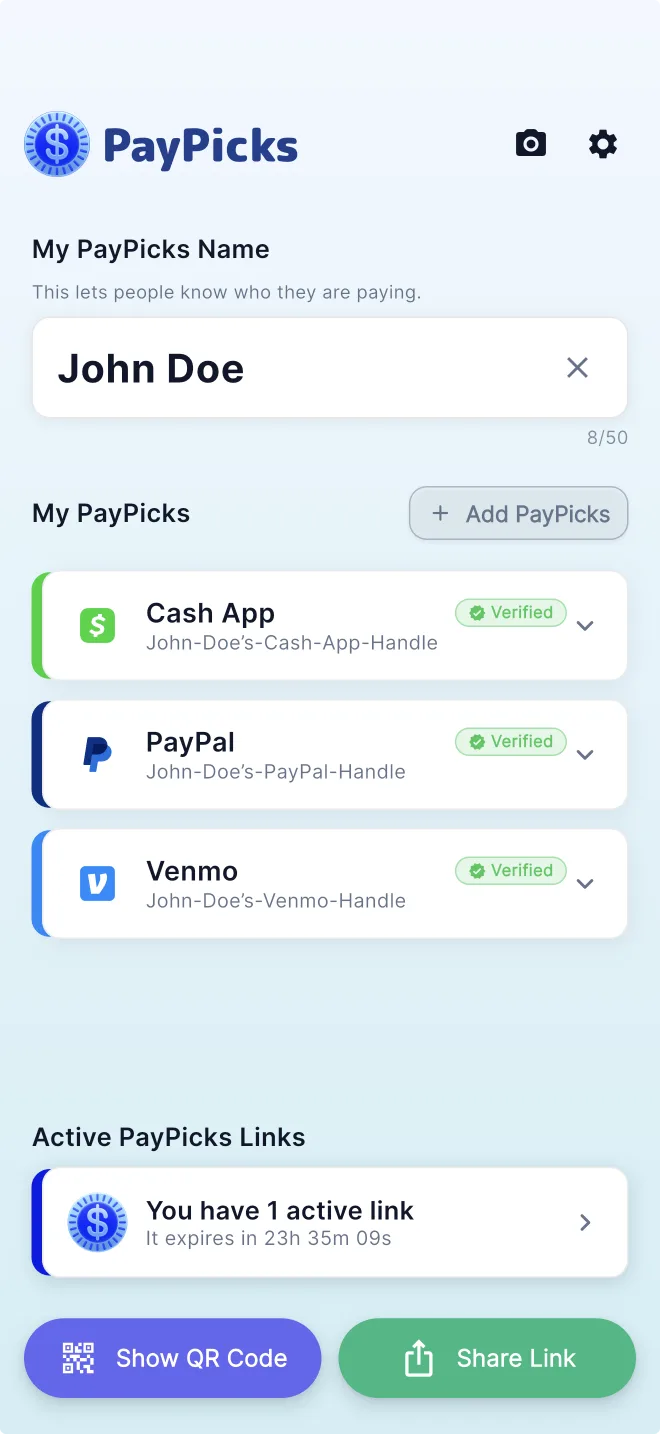
Search 24 supported services — personal, creator, and business — and add the payment handles you already use. Your PayPicks live on one simple screen, ready to share.
Scan to pay, in person
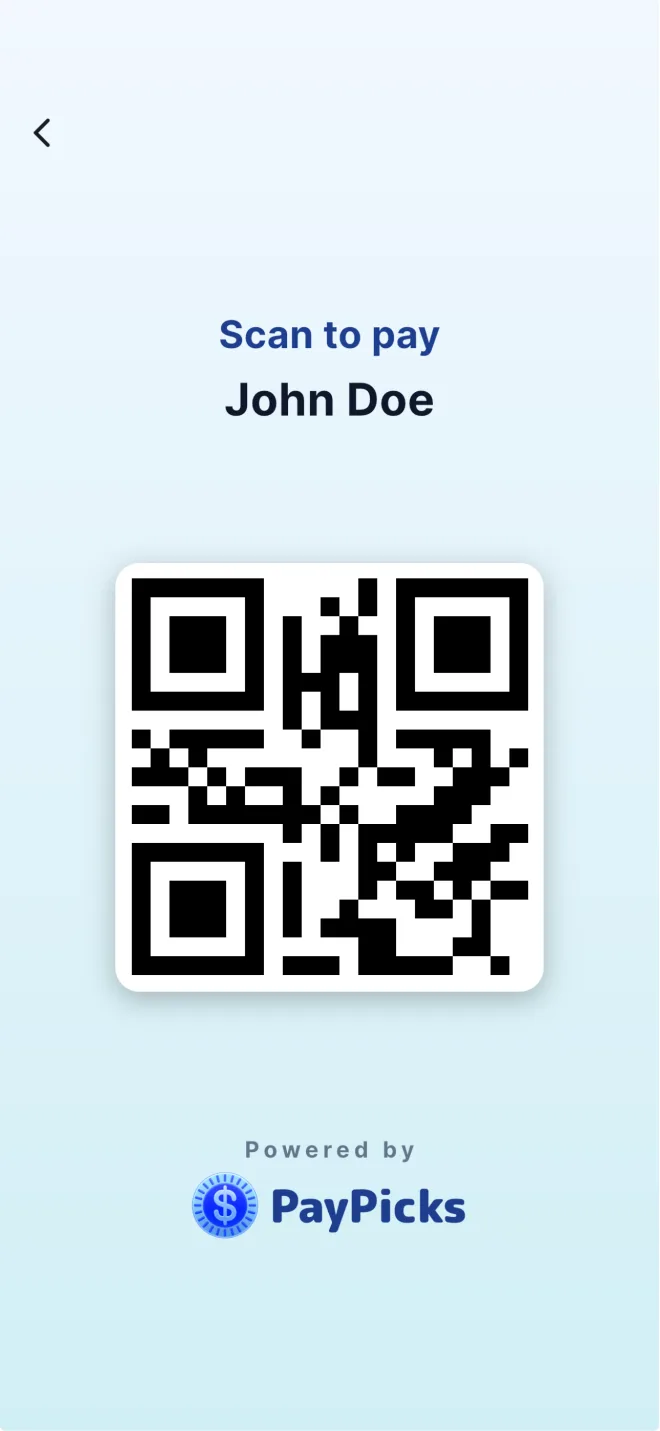
Splitting a bill or selling at a market? Show your QR code and they're on your payment page in seconds.
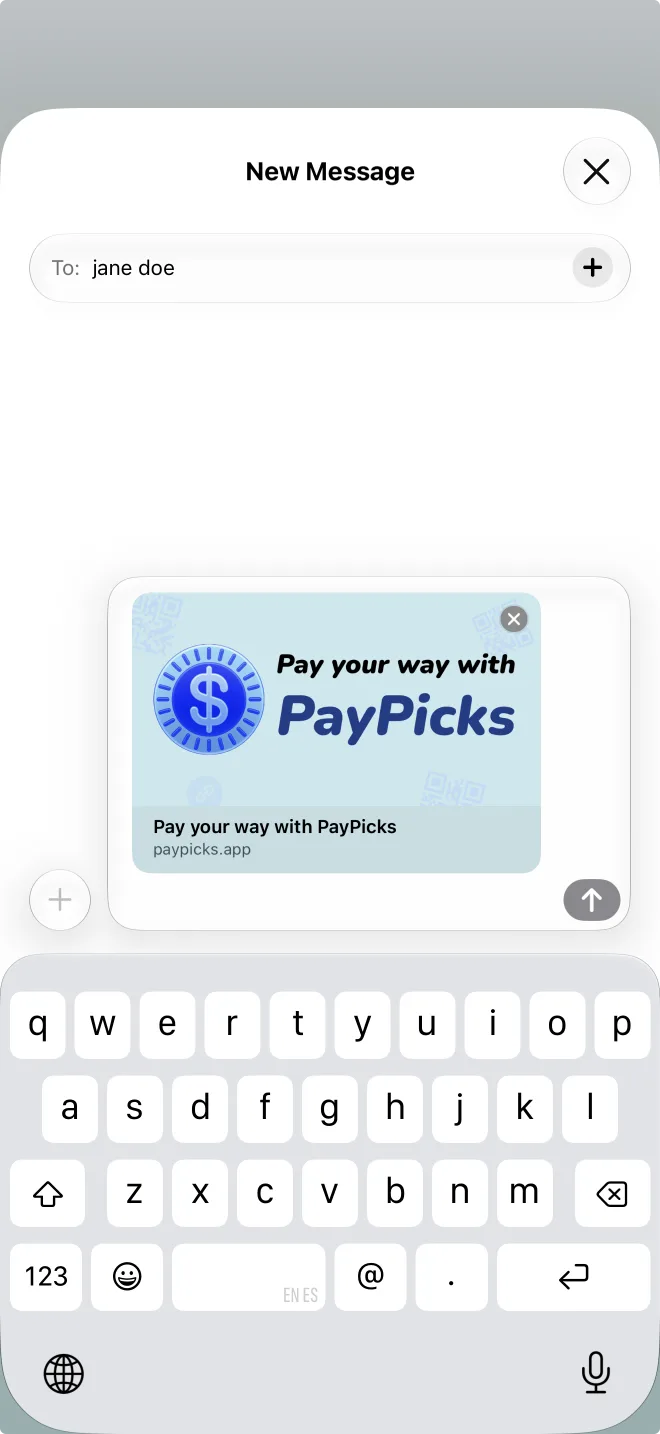
One link for texts, DMs, and emails
Send your PayPicks link anywhere you can paste it — text messages, email, DMs, group chats, and more. Links expire automatically: 24 hours on Free, 72 hours with Premium.
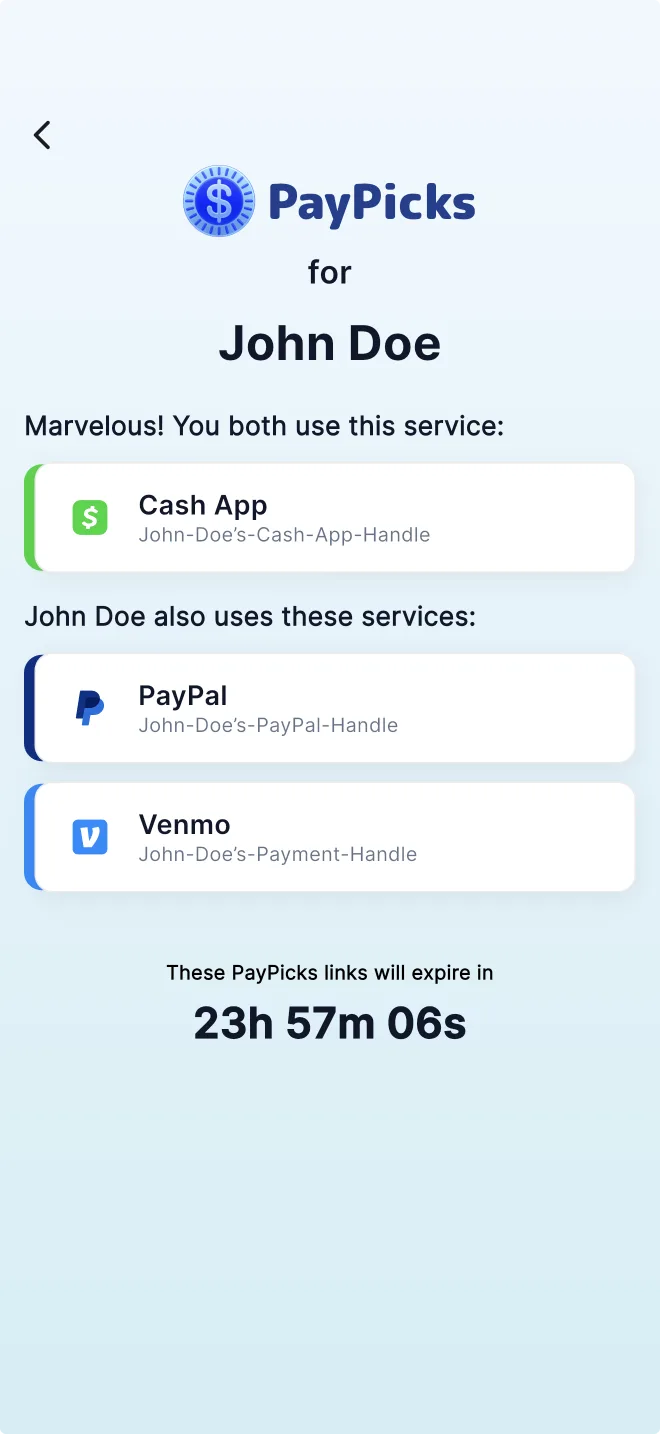
They choose how to pay
No app required
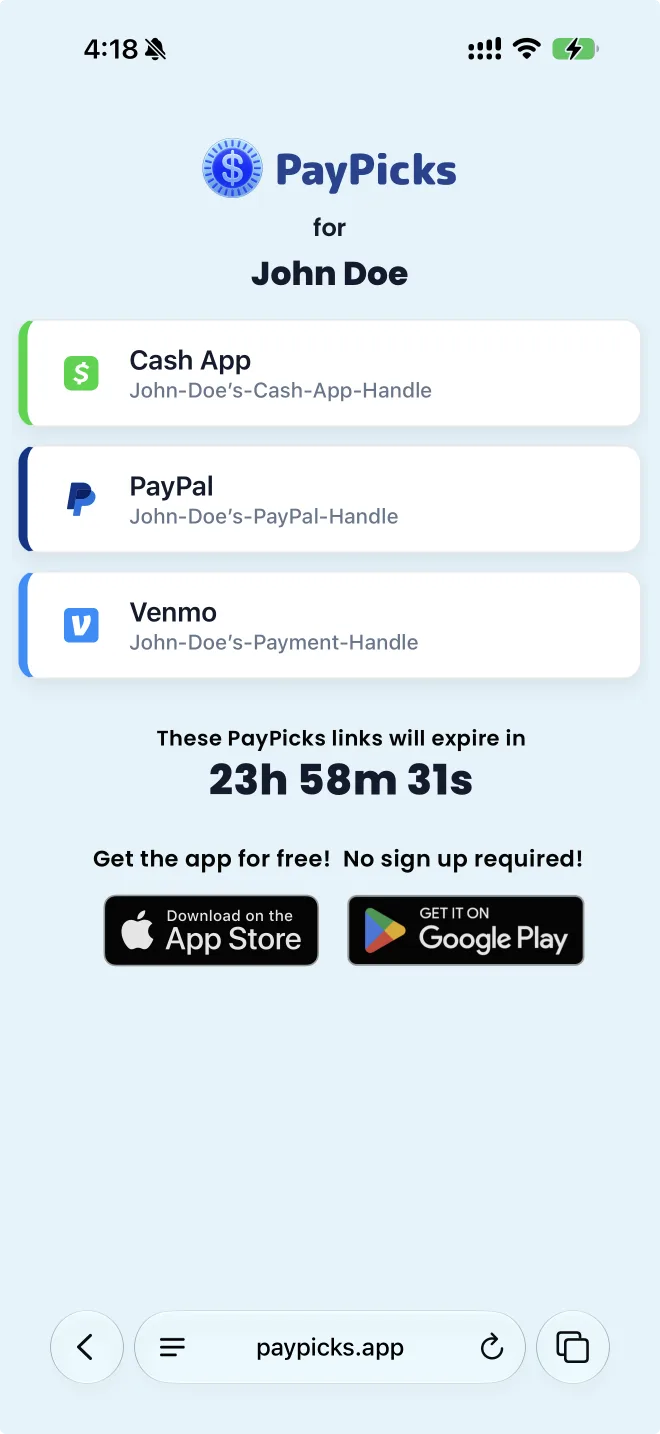
Your PayPicks link opens in their browser and shows every payment service you added. If they have the PayPicks app, it will open in-app and highlight the services you have in common.
Works with the services you already use
Add your payment handles from 24 supported payment services — personal, creator, and business.
 Bandcamp
 Buy Me a Coffee
 Cash App
 Chipper Cash
 Gumroad
 Klarna
 Ko-fi
Ko-fi Liberapay
 Mercado Pago
 Monzo
Monzo Patreon
 PayMe
PayMe PayPal
 Revolut
 Satispay
 Square
 Streamlabs
 Stripe
 Substack
 Throne
 Tipeee
 Venmo
Venmo Wise
Wise Yappy Commercial
Service availability varies by region. All trademarks belong to their respective owners.
PayPicks never touches your money
PayPicks doesn't process, hold, or transfer money — and it never connects to your payment accounts. It simply shares the payment handles you choose, on a page that expires automatically.
What PayPicks does
- Organizes the payment handles you already use
- Creates one QR code and one shareable link
- Gives whoever's paying one page to choose from
- Lets you view and manage your active links
- Expires links automatically
What PayPicks never does
- Process payments
- Hold or transfer money
- Access or connect to your payment accounts
- Require the person paying you to sign up
Questions, answered
Does PayPicks move my money?
No. PayPicks doesn't process, hold, or transfer money, and it never connects to your payment accounts. It shares the payment handles you choose so people can pay you through the services you already use.
Does the person paying me need the app?
No. Your PayPicks link opens in any browser, and there's no sign-up. The app is only needed to create and manage your own PayPicks.
What happens when a link expires?
The public page stops showing your payment methods. On Free, links stay active for 24 hours; with PayPicks Premium, new links stay active for 72 hours. You can create a new link anytime in the app.
How do I cancel or manage Premium?
PayPicks Premium is purchased and managed through your app store account — the App Store on iOS or Google Play on Android.
How long is my payment-link data stored?
Payment-link records are temporary. Free links expire after 24 hours and PayPicks Premium links expire after 72 hours. Expired payment-link records are automatically deleted afterward according to PayPicks’ data-retention process.
Get paid your way.
Download PayPicks — One link for all the ways you get paid.
Free to download. No sign-up required.